מדריך תפעול מערכת המוניטור
מדריך תפעולי לקריאת לשוניות המוניטור, אבחון תקלות במהירות, ומעקב אחרי מדדים בריאים בלי לחשוף מידע רגיש.
שלב 1/8
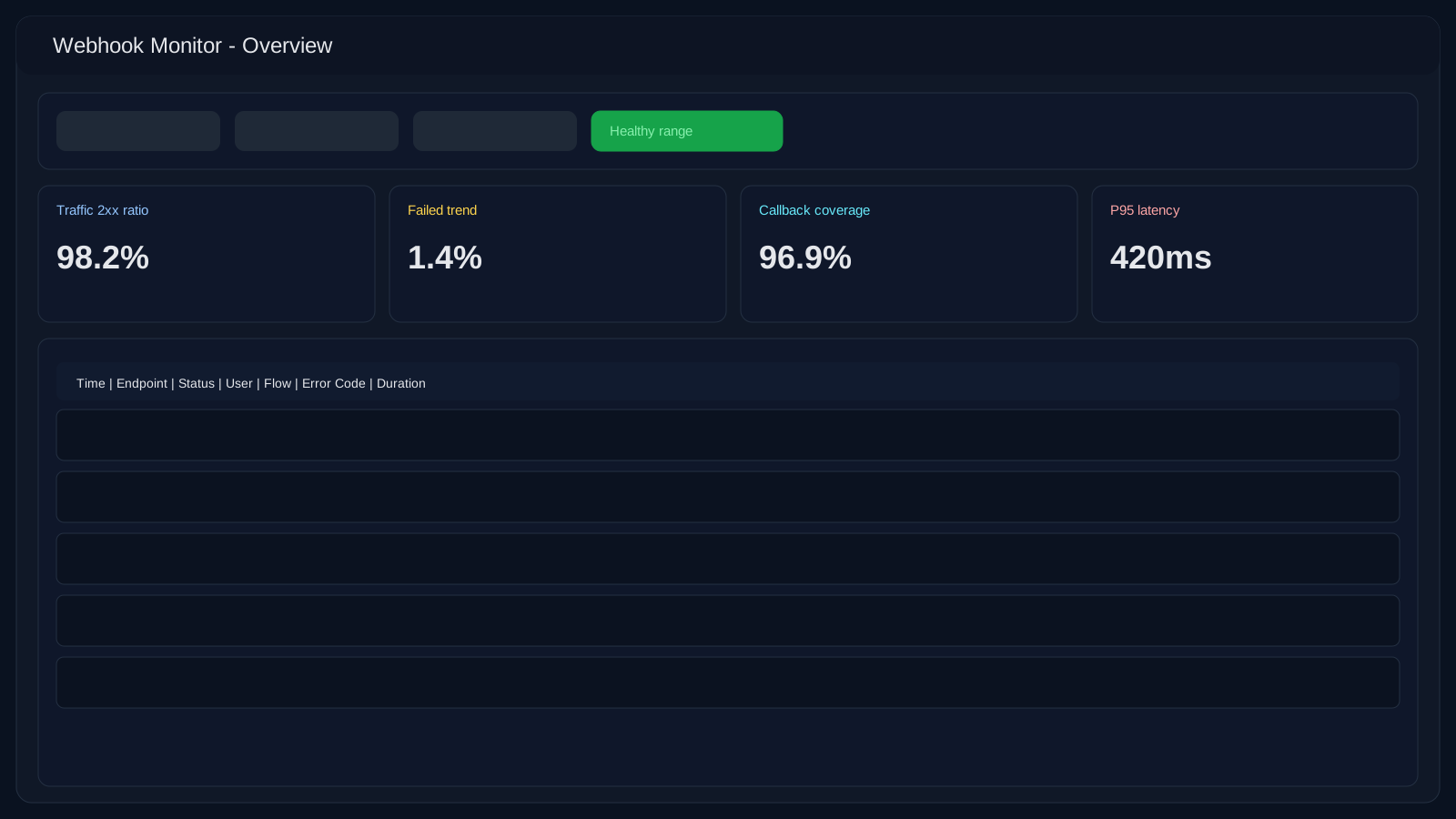
מתחילים מתצוגה כללית וטווח זמן
פתח את Webhook Monitor ותמיד קבע קודם טווח זמן נכון (10 דקות אחרונות לאירוע תקלה, 24 שעות למגמה). לאחר מכן אמת runtime דרך /api/monitor/status לפני ירידה ללוגים.
שאלות נפוצות
מהם מדדים בריאים במוניטור?
שאף לדומיננטיות יציבה של 2xx, מגמת failed/stale נמוכה, כיסוי callback גבוה, וללא קפיצות latency לא מוסברות. חשוב יותר לעקוב אחרי מגמה מאשר נקודה בודדת.
איפה מתחילות רוב התקלות?
לרוב מהסטת הרשאות, טוקן שפג, חוסר התאמת תבנית, או payload תור לא תקין. מתחילים מסינון זמן, ואז endpoint + קוד שגיאה + שיוך לקוח.
אפשר לפרסם צילומי מוניטור החוצה?
כן, רק אחרי סניטציה: להסתיר טוקנים, מזהים, מספרי טלפון, שמות לקוחות ו-URLs פנימיים שלא מיועדים למסמך ציבורי.