חיבור WhatsApp Cloud API
מדריך שלב אחר שלב לחיבור Meta WhatsApp Cloud API ואימות הודעות נכנסות/יוצאות.
שלב 1/4
פתח הגדרות WhatsApp
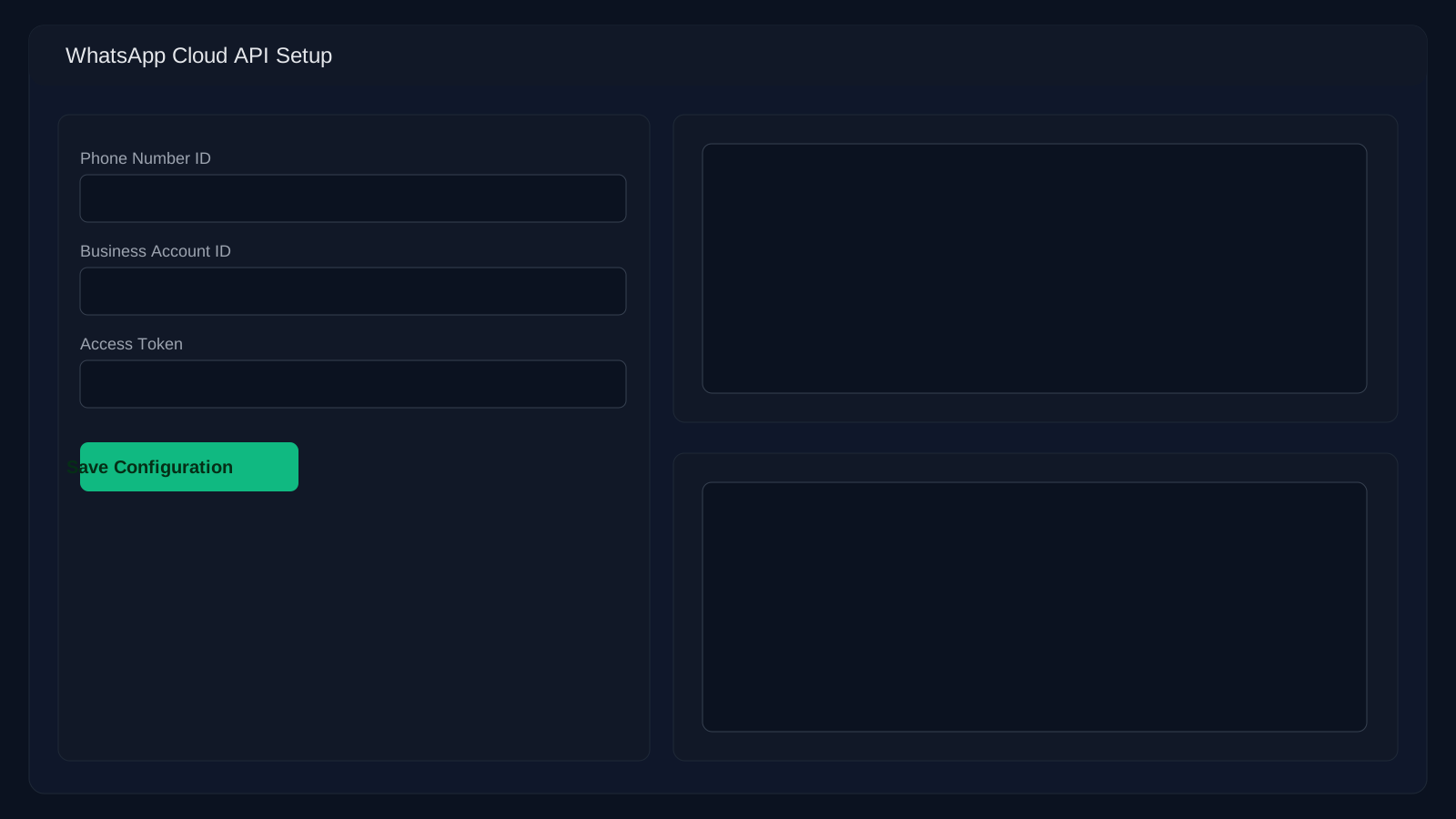
עבור להגדרות → WhatsApp. תצטרך את מזהה מספר הטלפון, מזהה חשבון עסקי, וטוקן גישה קבוע מ-Meta Business Suite.
שאלות נפוצות
למה אני מקבל 401 מ-webhook יוצא?
בדרך כלל אי-התאמה של טוקן. ודא ש-WA_VERIFY_TOKEN תואם גם בסביבה שלך וגם בהגדרות Meta.
למה הודעות נכנסות לא מתקבלות?
בדוק את שדות ה-webhook ב-Meta (חייב לכלול "messages") ואת סטטוס אימות ה-callback.